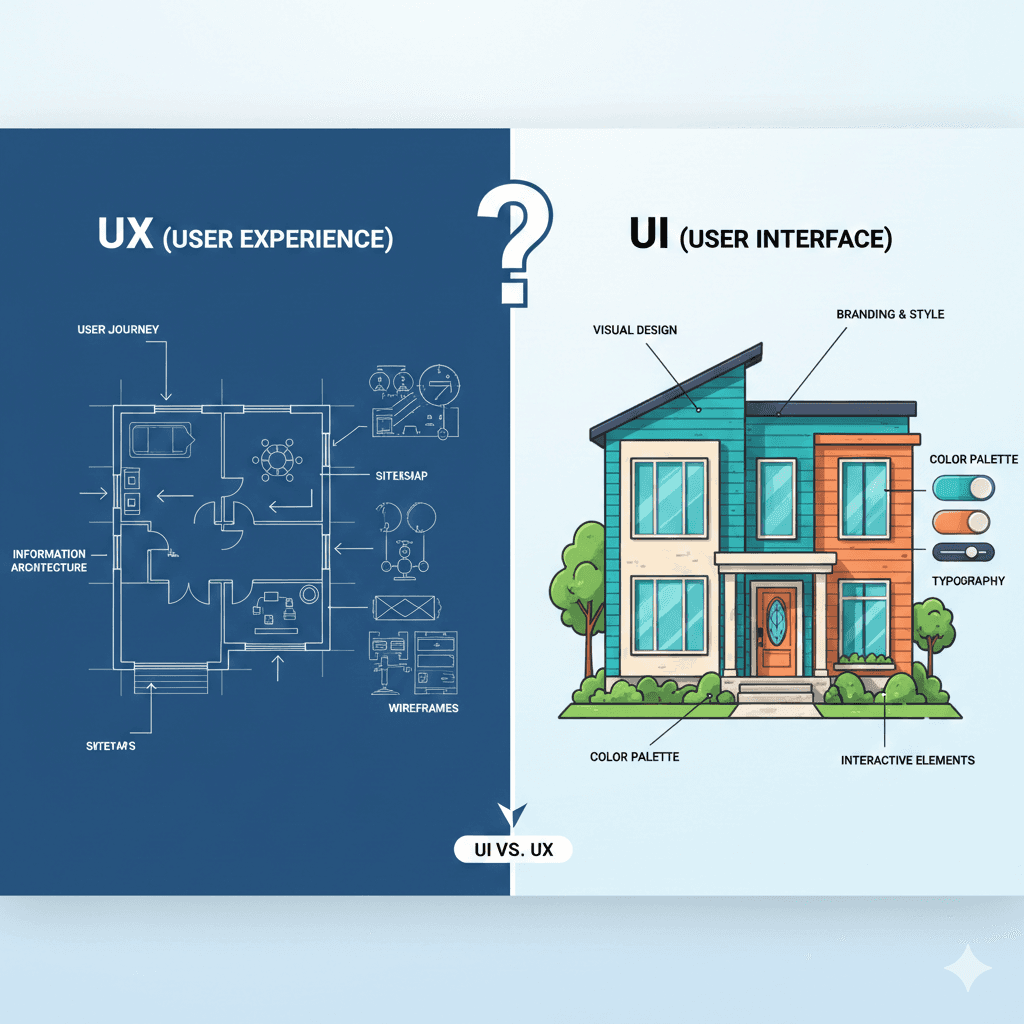
UI and UX are two terms people hear all the time in design, but many still get confused about what they actually mean. Even though they work together, UI and UX focus on very different parts of a digital product. Understanding the difference helps clients, teams, and designers communicate better and create smarter, more user-friendly designs.
What UI Really Means
UI (User Interface) is the visual side of a product—the layout, colors, spacing, icons, buttons, typography, and overall look. It’s what users see the moment they open an app or website. A UI designer works to make everything clean, attractive, and easy to scan. Good UI helps users trust the product instantly because it looks organized and professional.
UI also carries the brand identity. The style of buttons, the color palette, the shape of icons, and the overall theme all work together to give the product its personality. When UI is consistent and well-designed, the product feels more polished and pleasing to use.
What UX Really Means
UX (User Experience) is about how the product works, how it feels, and how smoothly users can achieve their goals. UX designers focus on research, user flows, wireframes, information architecture, testing, and solving problems. Instead of thinking about colors or visuals first, UX looks at the user’s entire journey—from the first action to the final result.
Good UX removes confusion. It makes complex tasks feel simple. It ensures every step is logical and intentional. A product with strong UX feels effortless, even if the user never thinks about the design behind it.
UX also involves understanding user behavior—what they expect, what slows them down, and what motivates them. All of this helps create experiences that feel natural and supportive.
How UI and UX Work Together
UI and UX are different, but they depend on each other. UX gives the product structure—how the content is arranged, how screens connect, and how tasks flow. UI brings that structure to life visually by adding clarity, style, and personality.
If one is weak, the whole experience suffers. A beautiful UI cannot fix a confusing UX, and a strong UX cannot shine through a cluttered or unattractive UI. The best products combine both perfectly, giving users something that looks great and works effortlessly.
Examples That Make the Difference Clear
Imagine an app with stunning colors, clean fonts, and modern layouts—but the navigation is confusing or buttons lead to the wrong places. That’s good UI but poor UX.
Now imagine an app where everything works smoothly, tasks are simple, flows are perfect—but the design looks outdated or messy. That’s good UX but poor UI.
When UI and UX come together correctly, users don’t have to think—they simply enjoy the experience.
UI and UX each play their own role, but together they define how users feel, how they behave, and how they connect with a digital product.