In today’s digital world, users are constantly surrounded by information—apps, websites, dashboards, and notifications compete for their attention every minute. Because of this, people rarely read everything on a screen. Instead, they scan. They look for what stands out first, then move to what feels important or relevant. This is where visual hierarchy becomes one of the strongest tools in UI design. It helps organize information so the user naturally knows where to look, what action to take, and how to move forward without thinking too much.
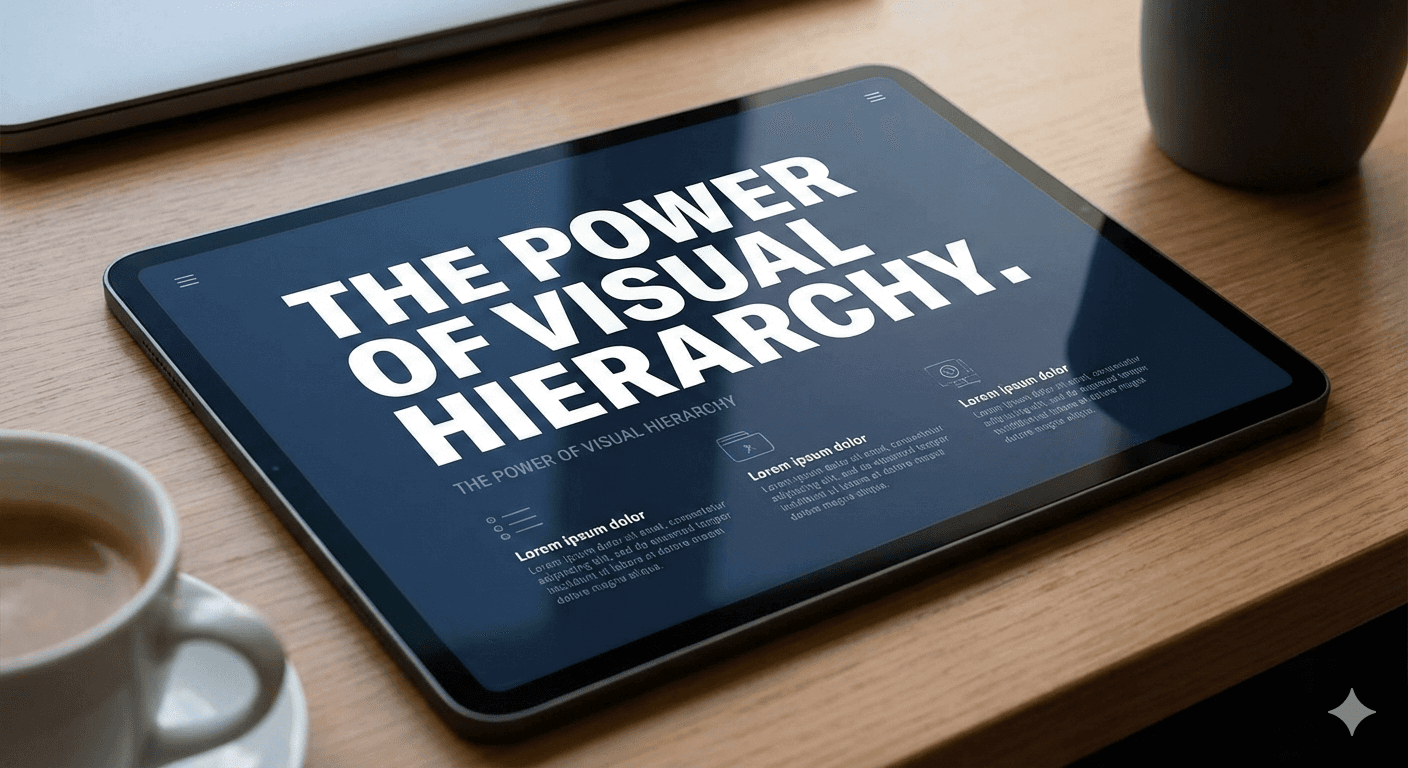
Visual hierarchy is all about structure. It involves using size, spacing, color, contrast, typography, and placement to guide the user’s eyes in the right order. A good hierarchy makes the experience feel simple and clean, even if there is a lot of information on the page. For example, a bold headline immediately catches attention, a medium subheading provides clarity, and smaller text helps explain details. When these elements are arranged thoughtfully, users can understand the layout within seconds.
Designers often rely on hierarchy to handle complexity. Without it, a user might feel lost because everything looks equally important. When all elements compete for attention, the interface feels overwhelming and confusing. But when hierarchy is used correctly, the screen feels organized, calm, and predictable. Users instantly understand what to do next, whether it's reading a title, clicking a button, or scanning a form. This reduces cognitive load—the mental effort required to understand something—and improves the overall experience.
The power of hierarchy becomes especially clear in mobile design. With small screens and limited space, designers must prioritize what matters most. For example, a primary action button should stand out clearly, while secondary actions remain subtle. Important details need to be placed higher on the page, while supportive content can be placed lower. Even simple spacing adjustments can make the difference between a confusing layout and a clean, easy-to-use interface. On mobile, hierarchy is not just helpful—it’s essential.
Hierarchy also plays a major role in improving accessibility. Users with visual or cognitive challenges rely heavily on clear structure. Easy-to-scan text, consistent spacing, and predictable navigation help everyone understand information quickly. A strong hierarchy supports universal design, ensuring the interface works for all types of users. In many cases, improving hierarchy automatically improves accessibility without requiring major redesigns.
Building good hierarchy often involves testing and refinement. Designers experiment with font weight, color contrast, alignment, and spacing to see what draws the eye first. By observing how users scan a page, designers can identify which elements need more emphasis and which ones need to be toned down. Small changes—like increasing the size of a title or adding whitespace around a button—can dramatically improve comprehension. These adjustments ensure the final design feels polished and intuitive.
In 2025, visual hierarchy remains one of the strongest principles in modern UI design. With minimal layouts becoming popular and user attention spans getting shorter, hierarchy helps create experiences that are simple yet powerful. Whether designing a landing page, mobile app, or dashboard, a well-structured hierarchy makes the product easier to use and more visually appealing. It’s the quiet force that guides every interaction, making digital experiences feel natural and effortless.