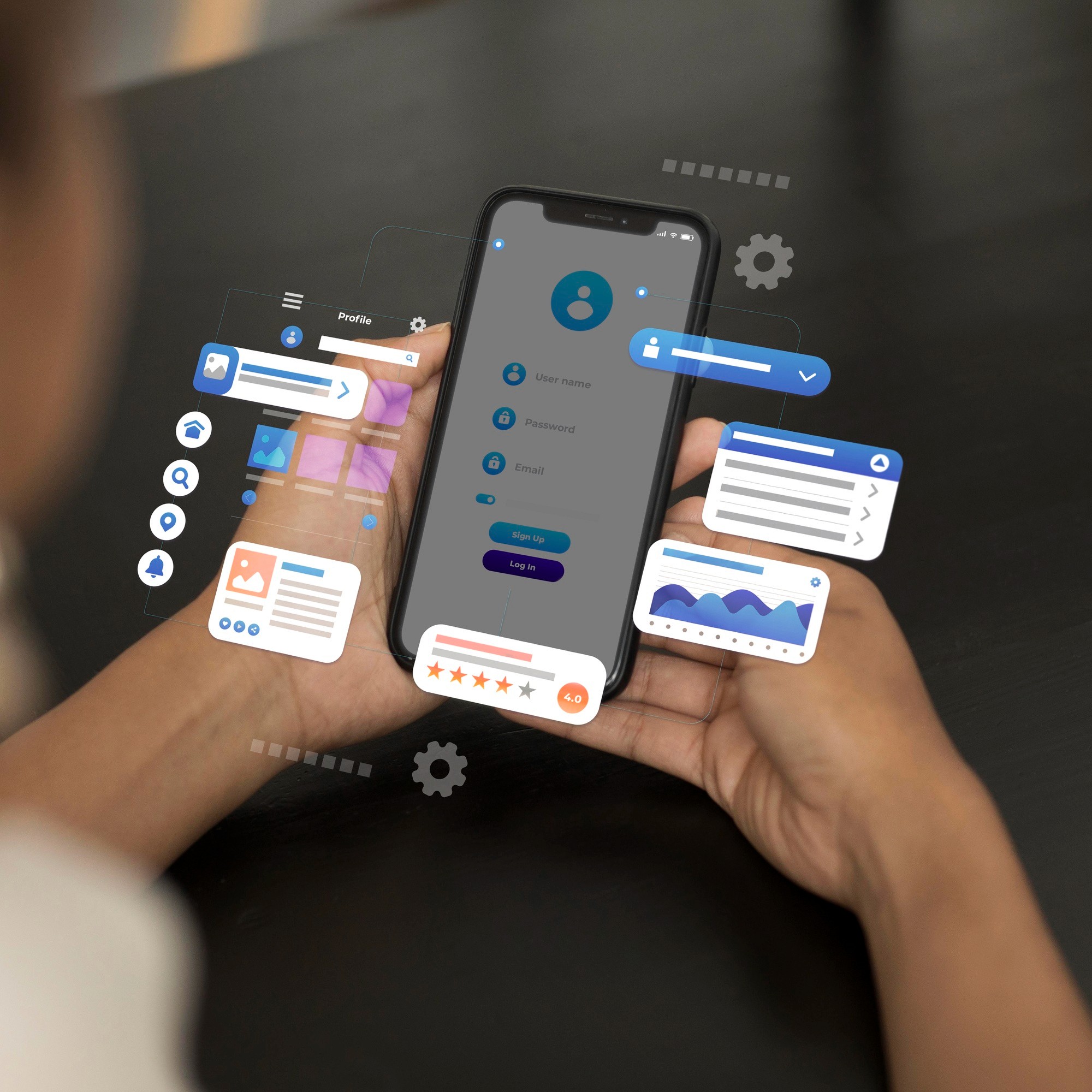
micro interactions are the small, subtle moments that happen inside a digital product—like a button changing color when you tap it, a smooth loading animation, or a tiny vibration when an action is completed. These may seem minor, but they play a huge role in how users feel while using an app or website. They add personality, guide users, and make the experience feel more alive.
Why micro interactions Matter
micro interactions give immediate feedback. When a user performs an action—like saving a file or switching a toggle—they should know instantly whether the action worked. A small animation or visual cue provides confirmation and builds confidence. These tiny responses remove confusion and make the interface feel more intuitive.
They also improve usability by helping users understand what's happening in the background. For example, a loading spinner tells the user that the system is working, not frozen. A shake animation on a wrong password field shows an error clearly without needing long text. These cues help users stay engaged and reduce frustration.
micro interactions also make the product feel more modern and polished. A simple scroll animation or a gentle hover effect can transform a plain interface into something delightful. It’s these little touches that make a product feel premium and emotionally satisfying.
How micro interactions Support User Flow
Well-designed micro interactions guide users naturally. Instead of long instructions, simple cues like glowing icons, smooth transitions, or expanding menus tell users where to click or what to do next. They help users navigate the product with ease, even if it's their first time using it.
These small interactions also create rhythm in the experience. When transitions feel smooth and predictable, users move through the product without sudden breaks. This improves the overall flow and makes the product feel more coherent and connected.
micro interactions can also strengthen a brand’s personality. For example, a playful bounce animation can make the product feel friendly, while smoother, minimal animations can give a professional, premium impression. These details create emotional connections that users remember.
Designing Effective Micro interactions
Good micro interactions should feel natural, not distracting. They should be quick, subtle, and purposeful. The best ones happen in the background and simply make the experience better without calling too much attention to themselves.
Timing plays an important role too. Animations that are too fast may feel abrupt, while ones that are too slow break the flow. Finding a balanced duration—usually between 150ms to 300ms—creates smooth interactions that users enjoy without noticing the mechanics behind them.
micro interactions can also support accessibility. Color changes help users with hearing impairments, while vibrations or sounds assist users with visual limitations. These interactions make the experience inclusive for everyone.
micro interactions may be small, but they shape how users emotionally connect with a product. They add clarity, delight, and personality—turning a simple digital experience into something memorable.